A Smart Resource for Updating Drivers on Your PC and its Connected Devices.
Paper jam errors on the Epson EcoTank ET-4950 can stop printing and interrupt your workflow. This guide explains the most common causes of paper jams, including feeding issues, sensor problems, and software communication errors. Learn how to safely remove jammed paper, inspect the paper path, update printer software, and restore normal operation. Follow these troubleshooting steps to get your printer working again on Windows 10 and Windows 11.
Print jobs stuck in the Epson EcoTank ET-4950 queue can prevent documents from printing and cause repeated delays. This guide explains the most common reasons print jobs remain pending and provides step by step solutions for Windows 10 and Windows 11 users. Learn how to clear the print queue, restart the Print Spooler, update printer software, and restore communication with your printer. Follow these troubleshooting methods to get printing working again quickly.
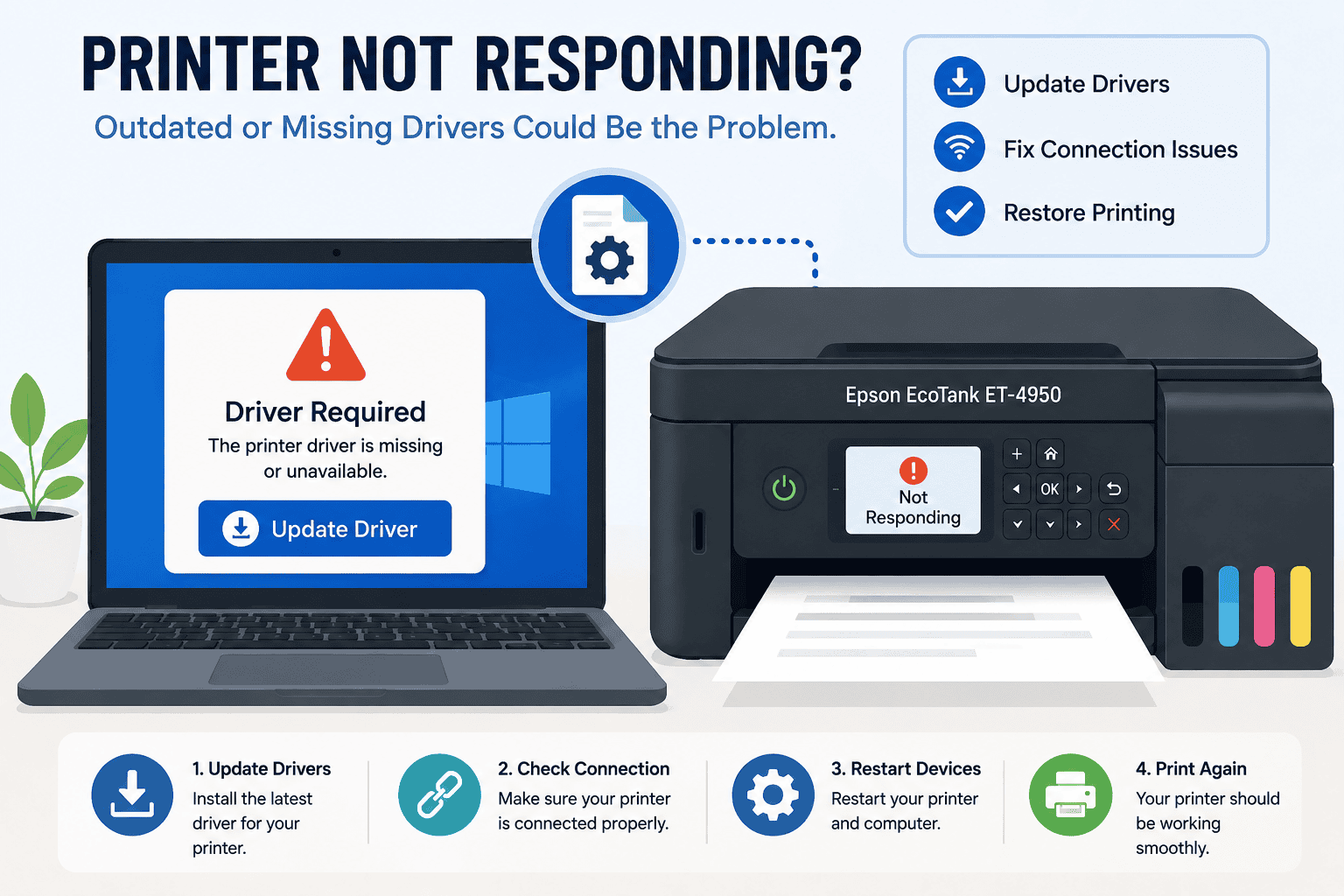
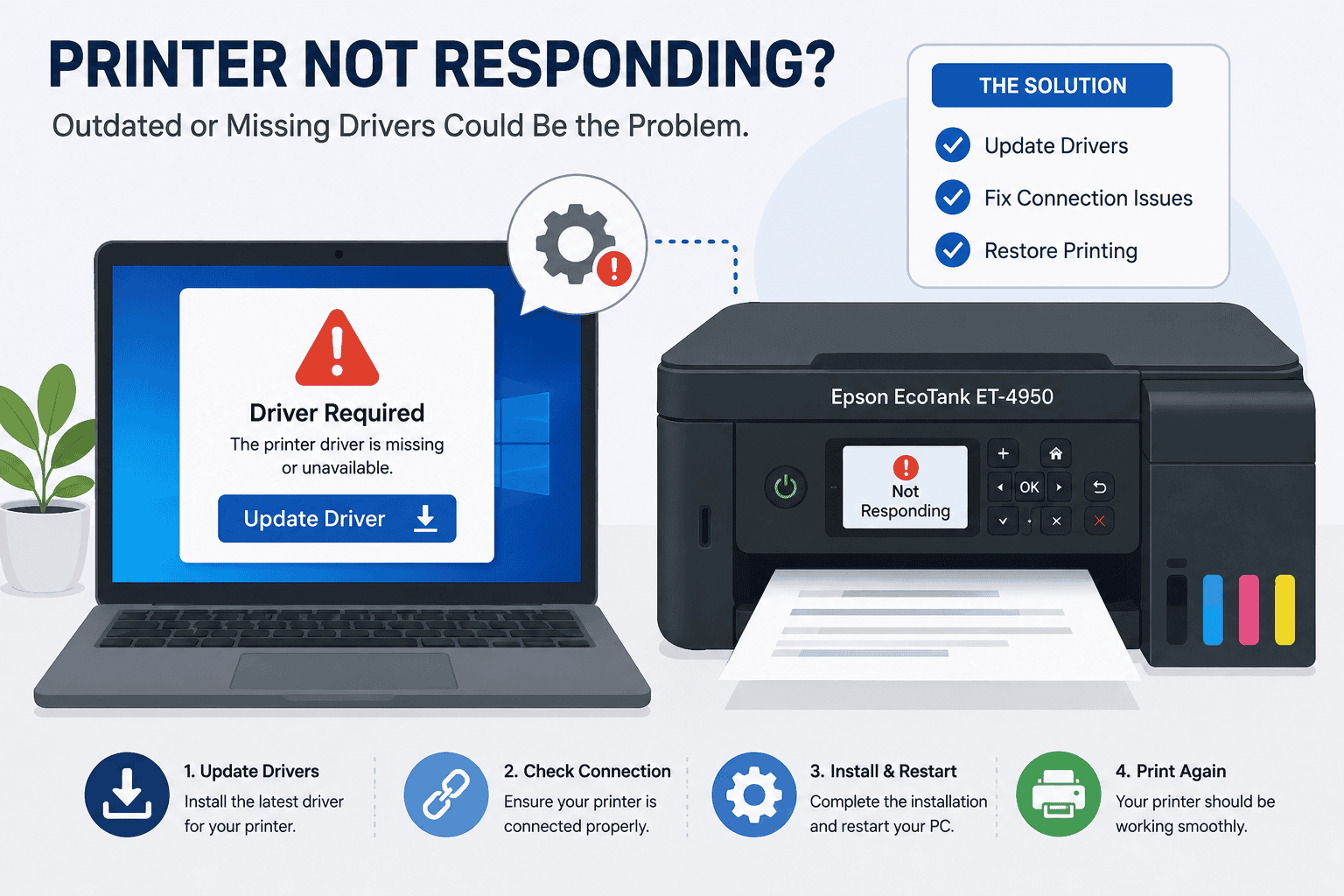
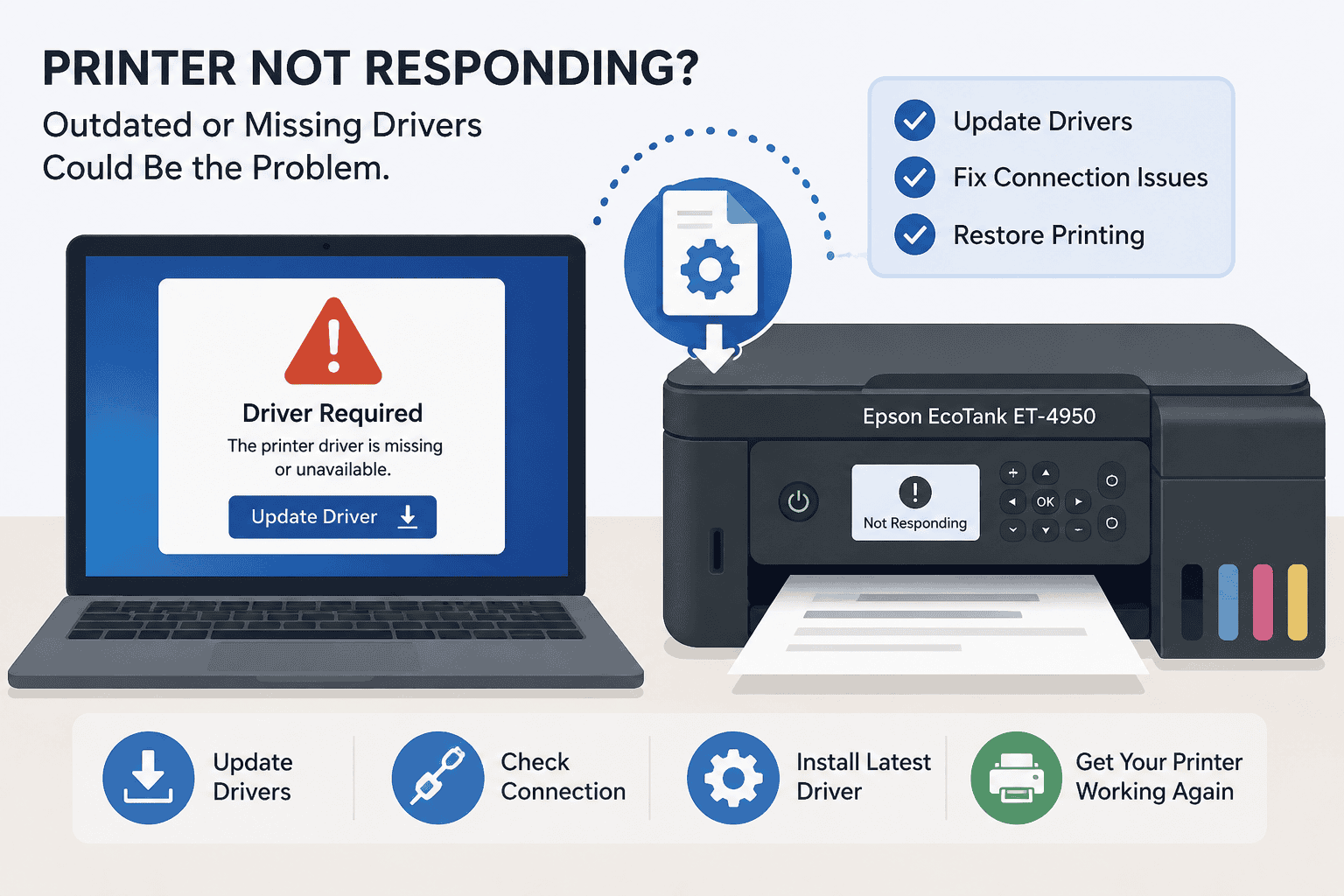
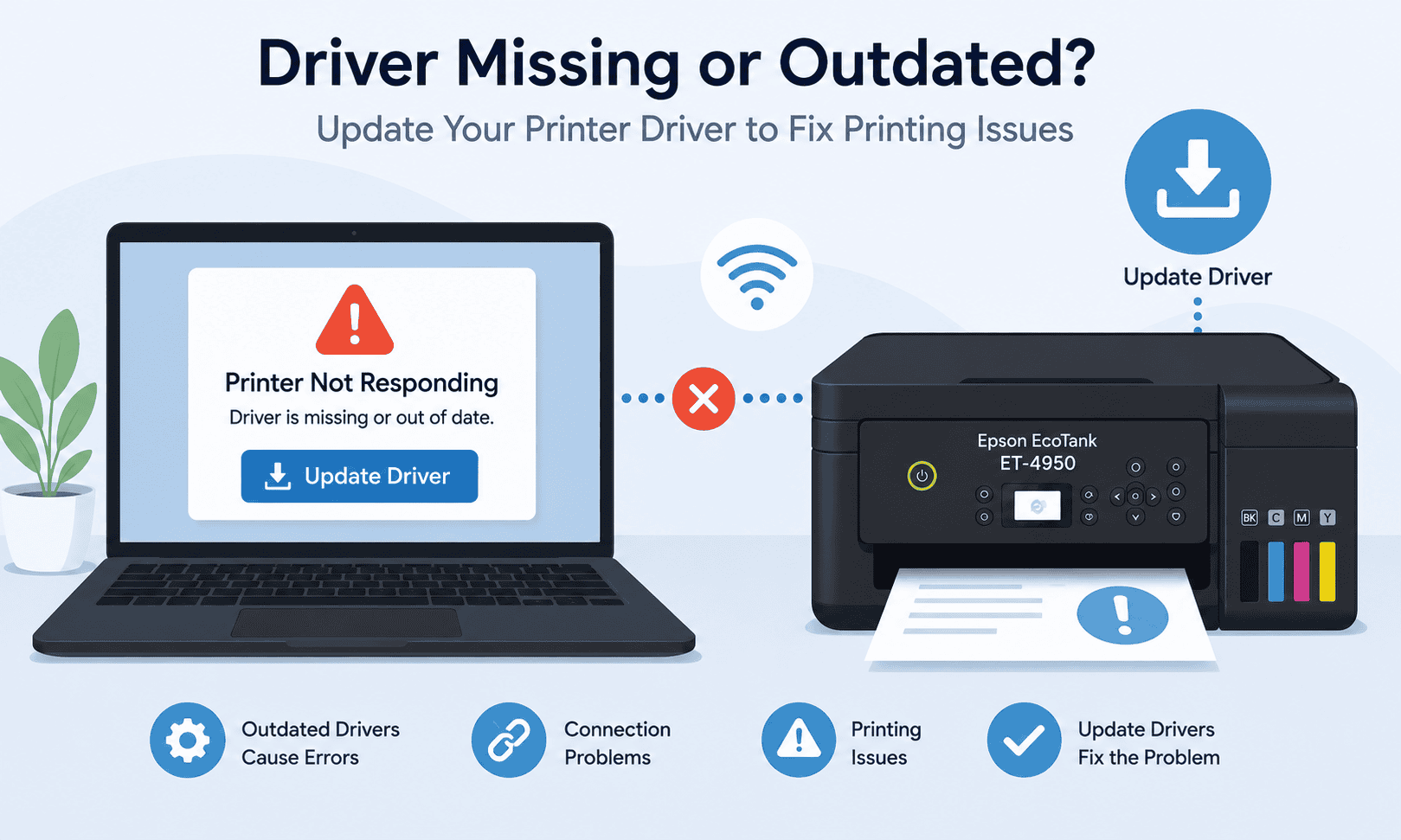
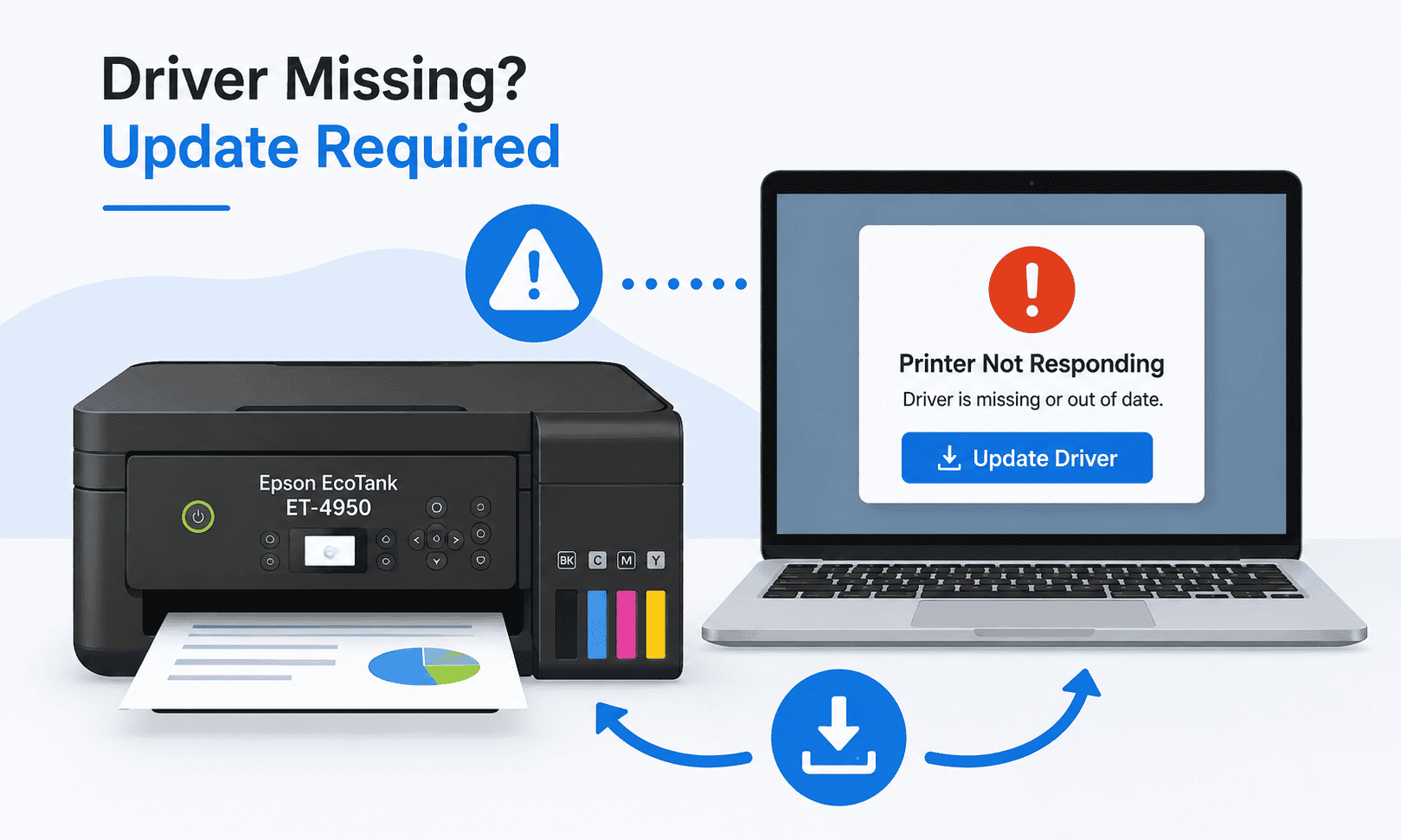
Having trouble with an Epson EcoTank ET-4950 that is not responding? Common symptoms include printer offline errors, stuck print jobs, and failed print requests. This guide explains the most common causes and provides step by step solutions for Windows 10 and Windows 11 users. Learn how to update printer software, clear print queues, and restore communication between Windows and your printer. Follow these methods to get your printer working again.
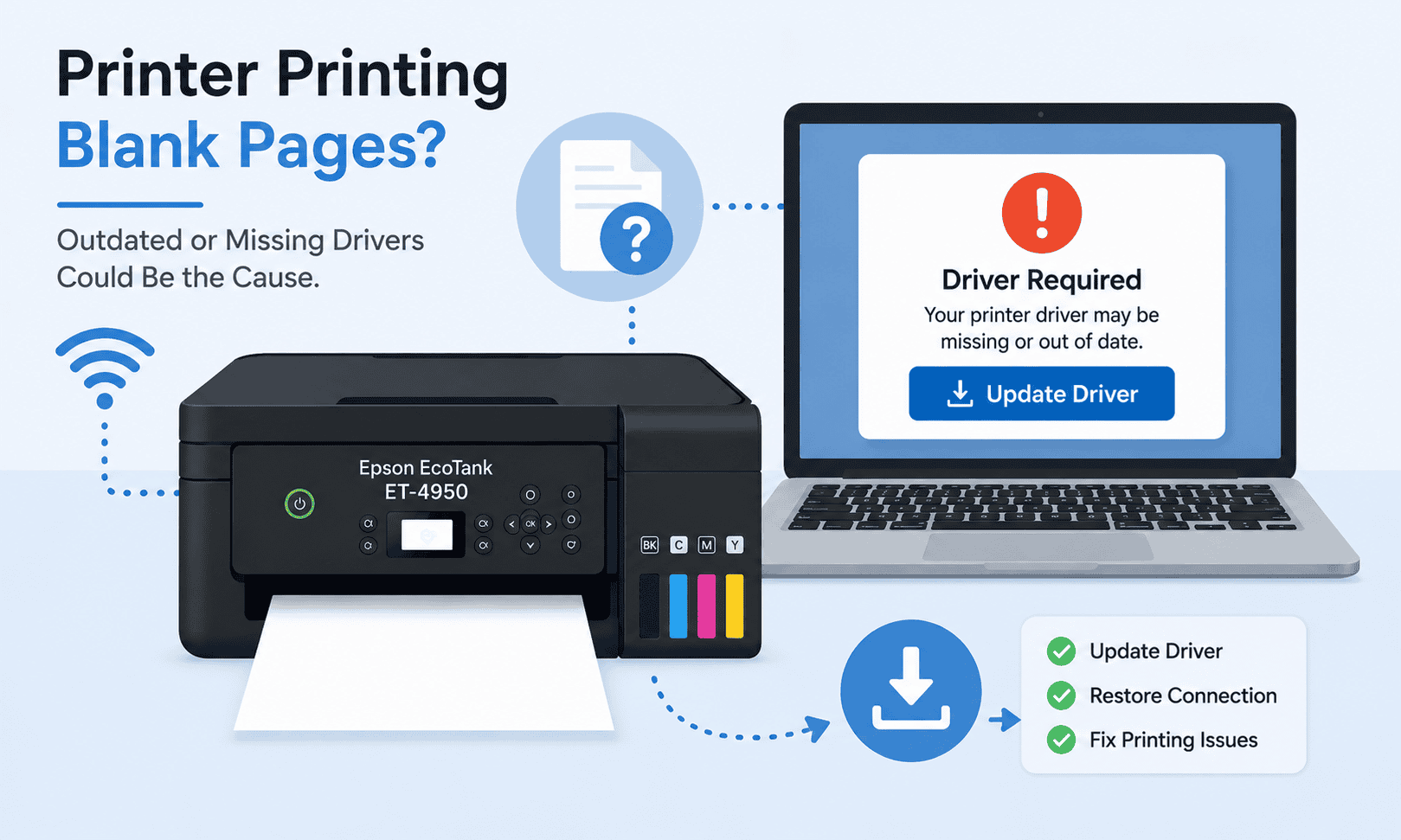
Blank pages from an Epson EcoTank ET-4950 can be caused by clogged printheads, low ink levels, outdated printer software, or communication errors with Windows. This guide explains several proven solutions, including updating printer software, cleaning the printhead, checking ink levels, and clearing the print queue. Learn how to troubleshoot blank page printing problems on both Windows 10 and Windows 11. Follow these steps to restore normal printing and prevent future issues.
Having trouble getting your Epson EcoTank ET-4950 connected to WiFi can stop printing and scanning tasks completely. Common causes include outdated printer software, network configuration problems, weak wireless signals, and Windows updates. This guide walks through proven solutions, including updating printer software, reconnecting to WiFi, reinstalling the printer, and checking router settings. Follow these steps to restore wireless communication and get your printer working again. Both Windows 10 and Windows 11 instructions are included.
Seeing your Epson EcoTank ET-4950 printer offline can stop printing completely, even when the printer appears connected. Common causes include outdated printer software, Windows updates, network issues, and stuck print jobs. This guide explains several proven methods to restore communication between Windows and your printer. Learn how to update printer software, adjust offline settings, clear print queues, and troubleshoot WiFi connections. Follow these steps to get your printer back online quickly.