A Smart Resource for Updating Drivers on Your PC and its Connected Devices.
Printing faded documents or washed out photos can make the Epson EcoTank L3256 frustrating to use. Common causes include clogged nozzles, incorrect print settings, and outdated printer software. This guide explains simple fixes for Windows users, including automatic and manual update methods. It also covers maintenance steps that improve color quality and reduce recurring problems. Following these steps can help restore sharp and vibrant prints.
Scanner problems on the Epson EcoTank L3256 can prevent documents and photos from being scanned properly. Common causes include outdated scanner software, Windows update conflicts, connection issues, and disabled services. This guide explains how to update scanner software, check connections, restart scanner services, and restore normal operation. Step by step instructions are included for both Windows 10 and Windows 11 users. Following these solutions can help get your scanner working again quickly.
Paper jam errors on the Epson EcoTank L3256 can interrupt printing and prevent documents from completing. Common causes include trapped paper, dirty rollers, paper loading problems, and outdated printer software. This guide explains how to remove paper jams safely and troubleshoot recurring errors on Windows 10 and Windows 11. Learn practical solutions that help restore reliable printing and prevent future interruptions. Follow these steps to get your Epson printer working properly again.
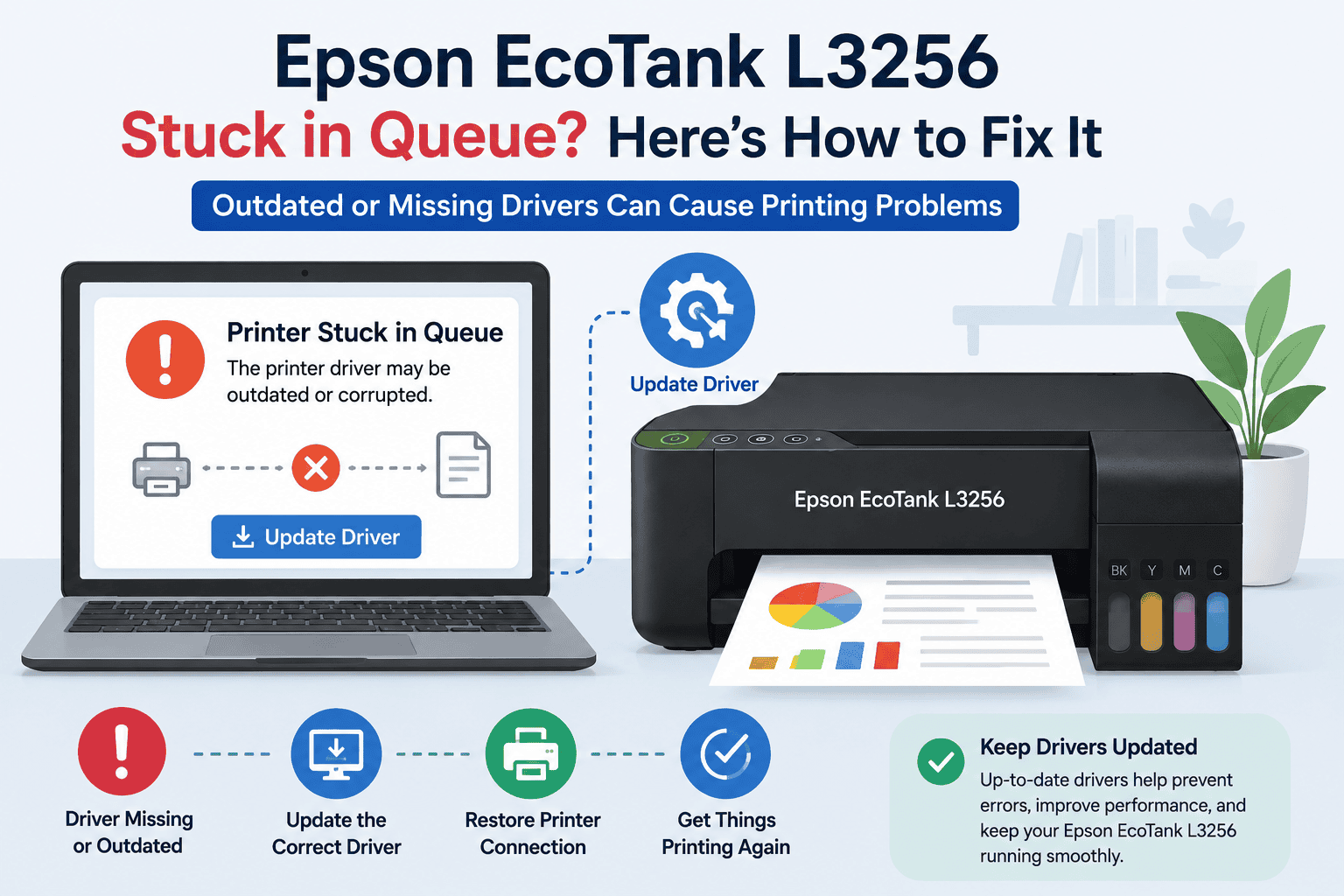
Print jobs stuck in the Epson EcoTank L3256 queue can prevent documents from printing and disrupt daily tasks. Common causes include outdated printer software, spooler issues, communication errors, and network interruptions. This guide provides step by step solutions for clearing stuck print jobs and restoring normal printing. Learn how to troubleshoot queue problems on Windows 10 and Windows 11. Follow these proven methods to get your printer working again.
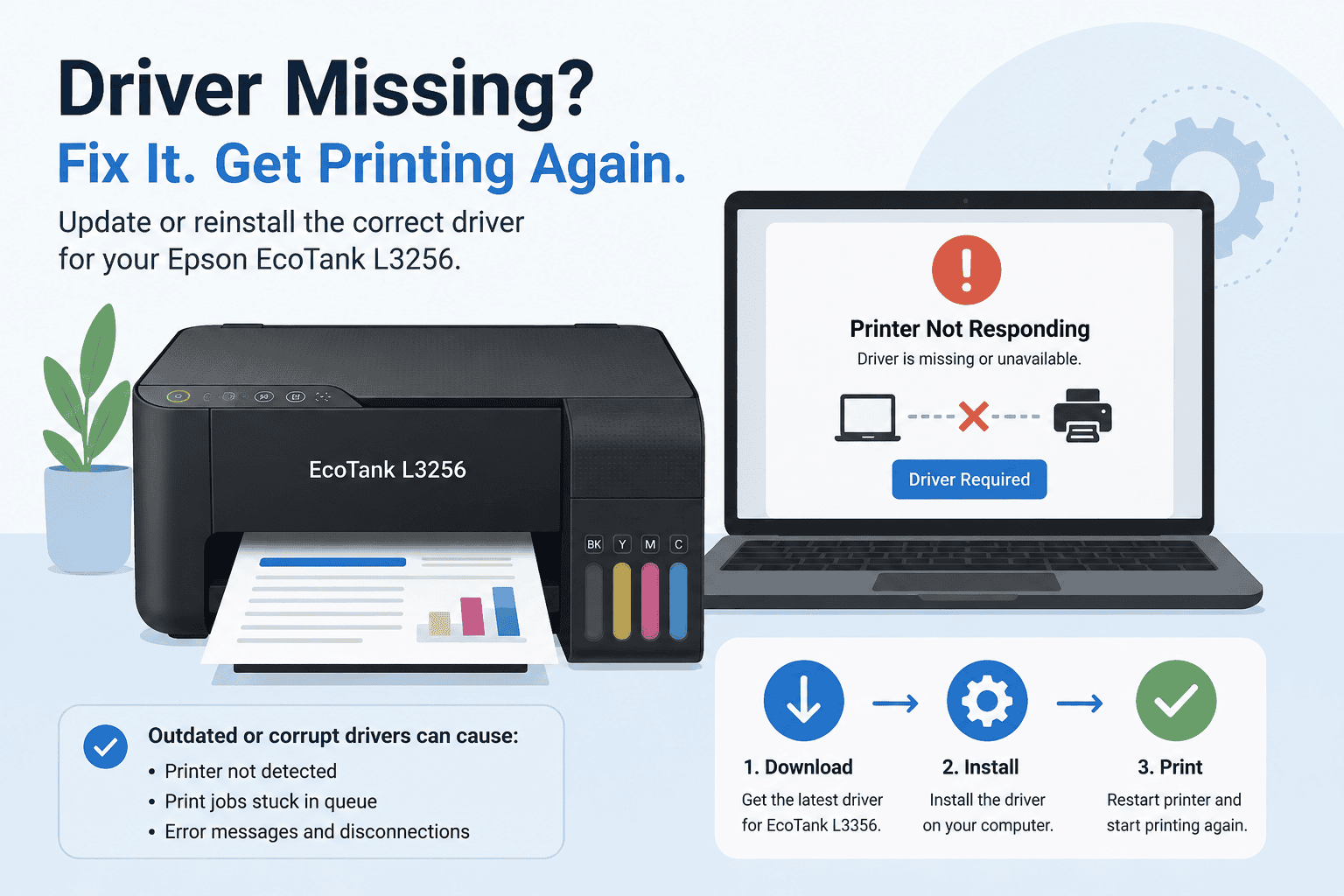
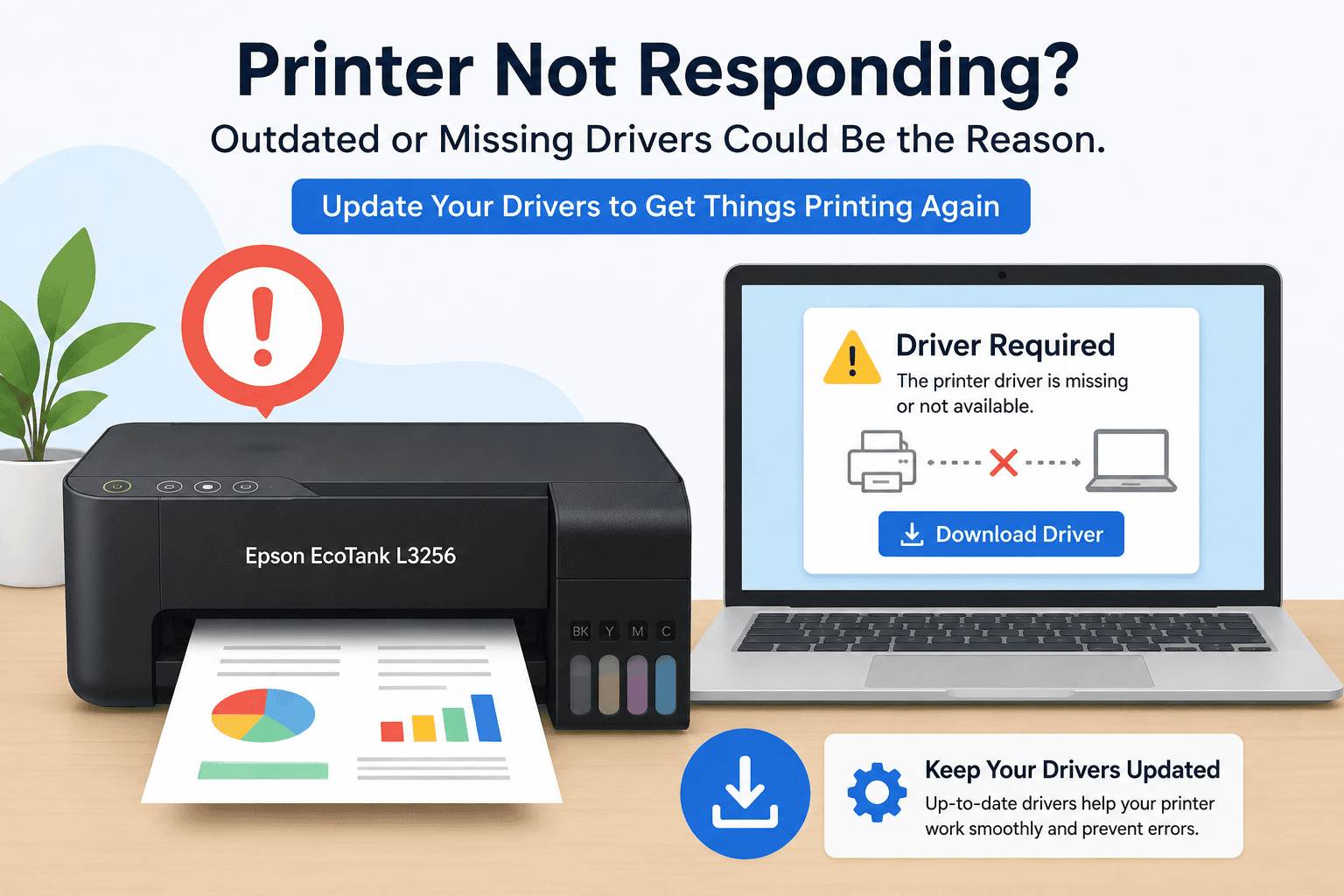
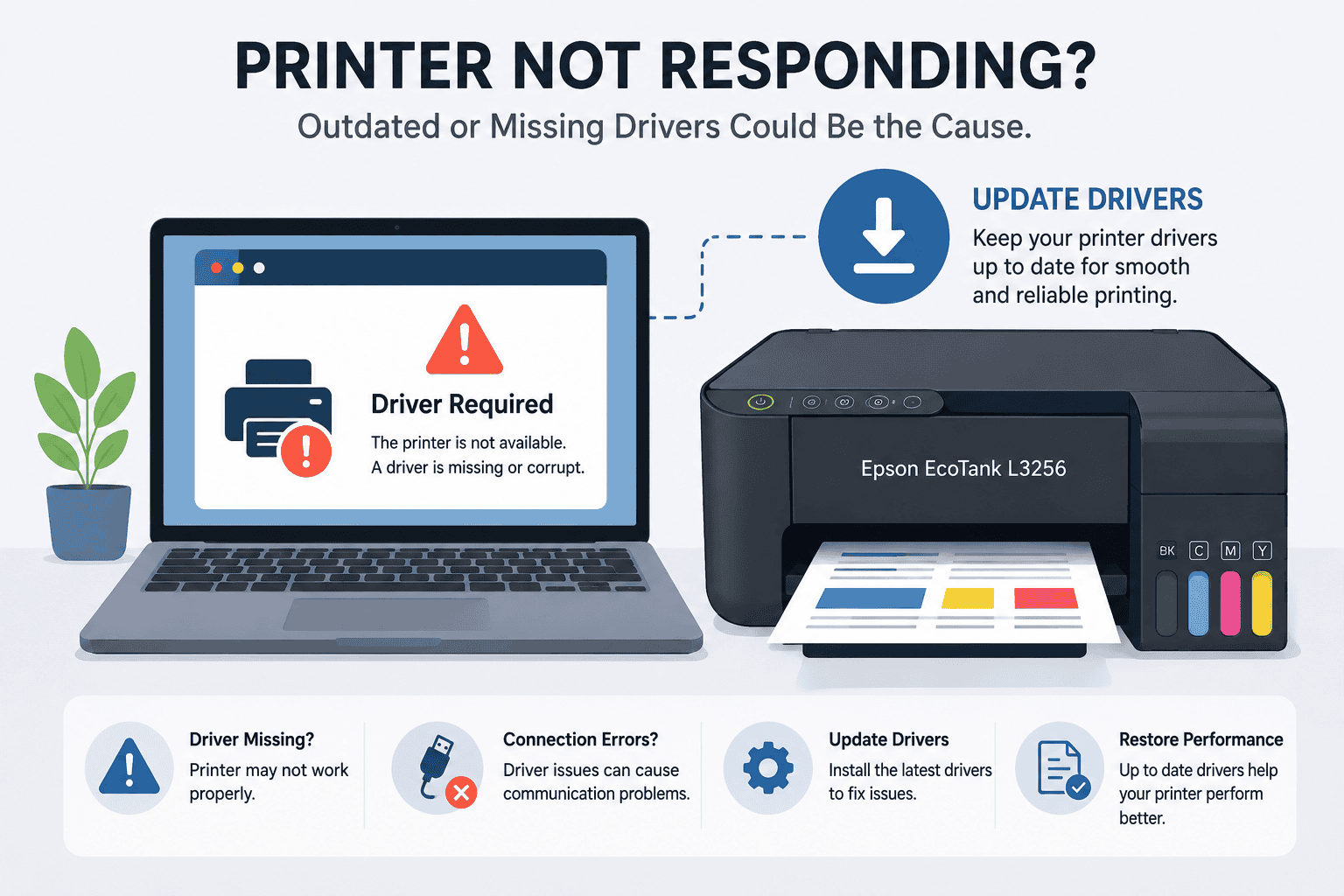
Having trouble with an Epson EcoTank L3256 that is not responding? Common symptoms include printer offline messages, failed print jobs, wireless connection issues, and printing errors. This guide explains the most effective solutions for Windows 10 and Windows 11 users. Learn how to restore communication between your computer and printer using automatic and manual troubleshooting methods. Follow these steps to get your printer working again quickly.
Epson EcoTank L3256 printing blank pages can be caused by outdated printer software, clogged print heads, or Windows communication issues. This guide explains the most common causes and provides step by step solutions. Learn how to update printer software, clear print queues, run maintenance tools, and restore normal printing. Instructions are included for both Windows 10 and Windows 11 users. Follow these fixes to resolve blank page problems and prevent them from returning.